

 DownloadResonant Redstone Records
Get the files on 9Minecraft
Setting Up the 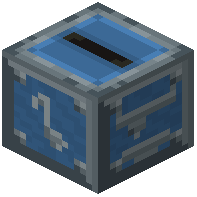 Music Disc Maker
First, craft a Music Disc Maker block using lapis lazuli and iron, then place it in your world. You'll also need a  Blank Disc — craft this the same way using the same materials.
Converting Your Track
1. Right-click the Music Disc Maker to open its menu
2. Paste your YouTube URL into the text input box
3. Place your Blank Disc into the designated slot
4.
5. Retrieve your new  Custom Music Disc from the output slot
Playing Your Disc
Insert the finished disc into any jukebox or 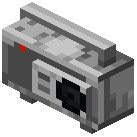 boombox to start playing. The disc will display the track title, artist name, duration, and
 album art in its tooltip when you hover over it in your inventory.
Supported platforms: YouTube, Spotify, SoundCloud, Bandcamp, and direct audio stream links all work with the Music Disc Maker.