

 DownloadResonant Field Logic
Get the files on 9Minecraft
Setting Up Custom Audio Zones
Start by placing a 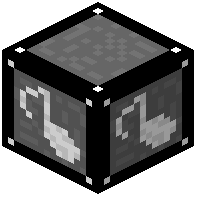 Memory Device and inserting a
 recording medium. Use its interface to load an MP3, OGG, or WAV file from your computer (up to 10 MB). Next, set up a
 Range Board to define the 3D area where players will hear the sound—you can customize fade-out directions for precise audio boundaries. Place your loaded medium into a
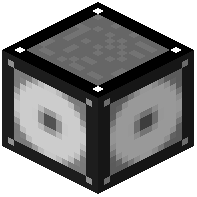 Playback Device in the zone. Trigger playback manually through the device interface or automatically using a redstone signal. You can queue up to 6 tracks and repeat each one multiple times. Use the F1 key while looking at any device screen for in-game guidance and hover hints.