

 DownloadPersistent Redstone Logic
Get the files on 9Minecraft
Setting Up a Basic System
Place a 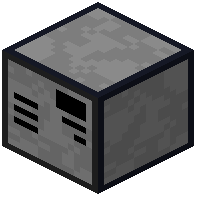 computer block and attach a
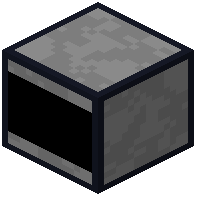 screen adjacent to it. Right-click the screen to open the command shell. You now have access to basic file operations—use
ls to view directories and nano to create Lua scripts.
To automate redstone or inventory tasks, connect peripheral blocks like  Redstone I/O or item interfaces using device cables. Your scripts can then read and control these peripherals directly.
Programs persist even when chunks unload or the server restarts, so your automation keeps running without interruption. For larger setups, link computers across distances using network cables and routers to coordinate multiple machines and transfer data between them.