
Mystcraft Reborn Wiki › FAQ
Mystcraft Reborn FAQ
10 questions players actually ask, answered.
How do I start creating my own custom dimension?
Craft a notebook and walk into different biomes while opening the notebook to collect up to a set number of biomes per book. Then, place your filled notebook and an empty  descriptive book into the
 writing desk to transfer those biomes into a new age.
descriptive book into the writing desk to transfer those biomes into a new age.How do I travel into the new dimension I just created?
Open your newly assembled descriptive book and click the page to travel directly into your newly generated dimension.
descriptive book and click the page to travel directly into your newly generated dimension.How do I get back home after traveling to a custom dimension?
Craft a  linking book before leaving your current location so you can teleport back, or set up crystal portal frames with book receptacles for two-way transit.
How do I set up a crystal portal for quick transit?
Build frame structures out of colored crystal blocks and book receptacles to create walk-through portals for two-way transit across dimensions.
How do I use the 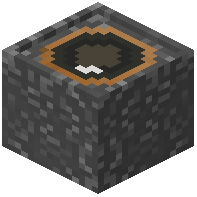 camera to take photos and videos?
Equip the handheld camera, press the scroll wheel to zoom in like a telescope, and right-click with paper in your inventory to print picture books.
camera, press the scroll wheel to zoom in like a telescope, and right-click with paper in your inventory to print picture books.How can I display my captured photos as large holograms?
Use the 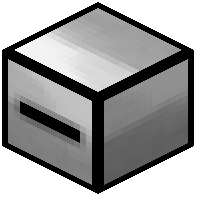 book player block to display your captured photos and video clips as large holograms up to a large specified grid size.
How do I clone books or import online images?
Use the 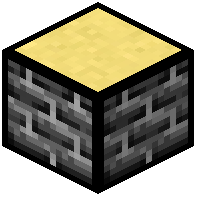 printing table to clone existing books using emeralds, transfer images between books, or import online image URLs.
Can I tweak world generation settings before opening an age?
Yes, place your descriptive book into the 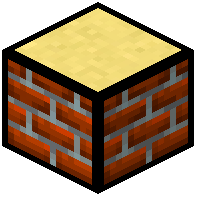 editing table along with catalyst items like diamonds to adjust world generation parameters before the age is opened.
descriptive book into the editing table along with catalyst items like diamonds to adjust world generation parameters before the age is opened.How do I store all my biomes without carrying multiple books?
Store your entire biome library in a single  biome encyclopedia to upgrade your writing workstation.
How do I permanently delete unwanted books and dimensions?
Place the unneeded book into a 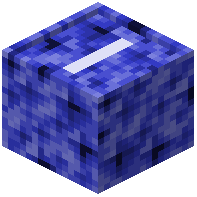 book shredding receptacle to permanently erase it and delete the created dimension.