

 DownloadMusic Maker
Get the files on 9Minecraft
Contents (3)
Getting Started
Craft or obtain any instrument item ( Guitar,
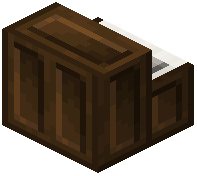 Piano,
 Flute,
 Violin,
 Trumpet,
 Drum,
 Xylophone, and so on). Hold it in your main hand. Right-click to open the instrument's play interface. Each instrument shows a set of note keys you can click, and most also respond to your keyboard so you can play melodies live.
Playing Notes
- Mouse: click the on-screen keys. Higher rows usually mean higher pitch.
- Keyboard: the mod maps keys (often the number row and letter rows) to notes. Press and hold for sustained instruments like
 Organ or
 Cello.
- Octave shift: many instruments let you move up or down octaves so the same keys cover a wider range.
- Sustain/volume: some instruments expose a volume or hold toggle in the interface.
Tips
- The
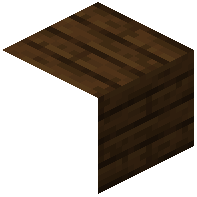 Metronome helps you keep tempo while practicing.
- The
 Drum Kit places multiple percussion sounds on one interface, so you can build a beat without swapping items.
- If a note doesn't sound, make sure the instrument is selected in your hotbar and you're not sneaking, since sneak can change the interaction.
Practice a short melody first, then move on to Music Sheets to automate playback.