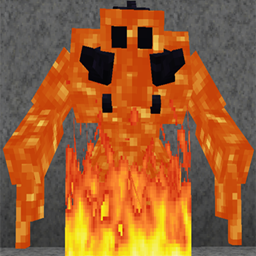
DownloadMonsters In The Closet Mod
Get the files on 9Minecraft
Contents (3)
Understand How the Highlight Is Broadcast
By default the mod runs client-side, so only the player who tries to sleep sees the  highlight. If the mod is installed on the server, the highlight is sent to all players, even those who do not have the mod installed on their own client.
Server-Side Setup Steps
1. Confirm the mod is present in the server's mod folder (not just your client).
2. Restart the server so the mod loads.
3. Have one player attempt to sleep while another player stands nearby.
4. When the sleep attempt fails, both players should see the highlighted mob.
Practical Uses on Multiplayer
- On a co-op survival server, one player can trigger the highlight while others hunt the mob.
- On a public server, the shared highlight helps everyone understand why beds are failing.
- Players without the mod still benefit, so you do not need to ask everyone to install it.
If the highlight only appears for the sleeping player, the mod is likely only on the client — move it to the server to share it with the whole group.
More guides for this mod
How to Stop Wasting Time Searching for Hidden Mobs Before SleepingHow to Tell Whether the Mod Is Working CorrectlyHow to Use Monsters In The Closet to Find the Mob Blocking Your Sleep