

While MesdagPortLib mainly runs quietly in the background to support other mods, it also registers nine structural Tuff building blocks: slabs, stairs, and walls across standard, polished, and brick styles. Using the mod's included stonecutting recipes, you can shape all of these blocks directly in a vanilla Stonecutter.
Cutting Standard and Polished Shapes
Place a Stonecutter on the ground, open its menu, and put your stone into the left input slot. Raw Tuff cuts directly into both standard and polished shapes, saving you from having to polish the blocks beforehand. If you already have 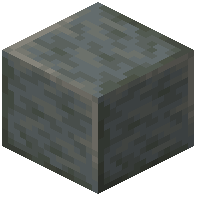 Polished Tuff on hand, you can cut that into matching pieces as well.
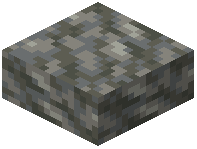 Tuff Slab:
Tuff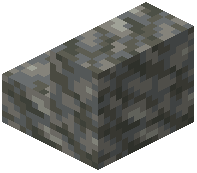 Tuff Stairs:
Tuff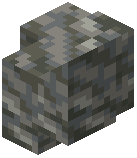 Tuff Wall:
Tuff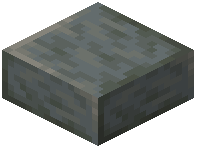 Polished Tuff Slab:
Polished TufforTuff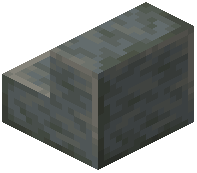 Polished Tuff Stairs:
Polished TufforTuff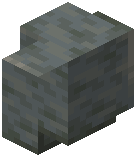 Polished Tuff Wall:
Polished TufforTuff
Cutting Tuff Brick Shapes
Tuff Brick structural blocks are even more flexible in the Stonecutter, accepting three different input blocks. You can cut them straight from newly mined Tuff in a single step, or repurpose leftover Polished Tuff and 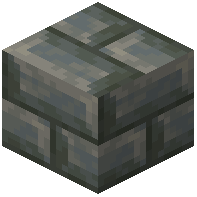 Tuff Bricks from earlier builds.
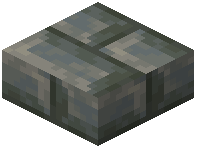 Tuff Brick Slab:
Polished Tuff,Tuff Bricks, orTuff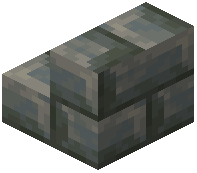 Tuff Brick Stairs:
Polished Tuff,Tuff Bricks, orTuff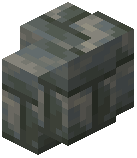 Tuff Brick Wall:
Polished Tuff,Tuff Bricks, orTuff
Click the block pattern you want in the center grid of the Stonecutter menu, then pull your finished stairs, slabs, or walls from the right output slot. Holding Shift while clicking the output slot converts your entire input stack at once.