

While MesdagPortLib operates primarily as a background library for other mods, it also adds thirteen decorative Tuff building blocks to your world. All of these variants are made exclusively inside a vanilla Stonecutter rather than a standard crafting table.
Cutting Raw Tuff Directly
To get started, mine standard vanilla Tuff underground and place a Stonecutter. Put Tuff into the input slot to cut any of the thirteen new blocks directly in one step:
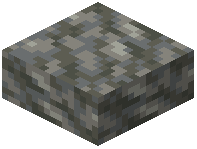 Tuff Slab,
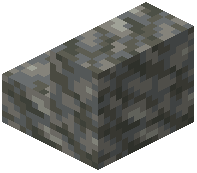 Tuff Stairs, and
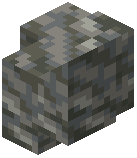 Tuff Wall
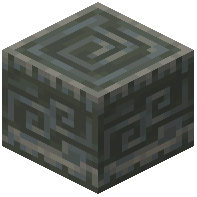 Chiseled Tuff
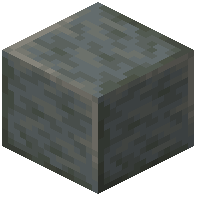 Polished Tuff,
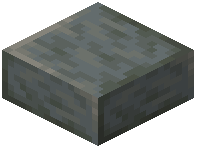 Polished Tuff Slab,
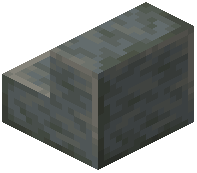 Polished Tuff Stairs, and
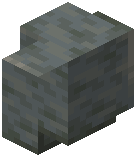 Polished Tuff Wall
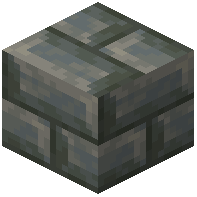 Tuff Bricks,
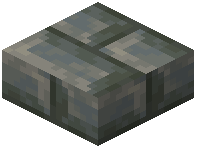 Tuff Brick Slab,
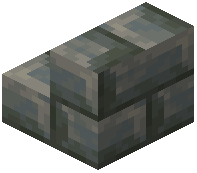 Tuff Brick Stairs, and
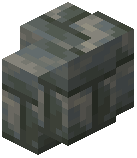 Tuff Brick Wall
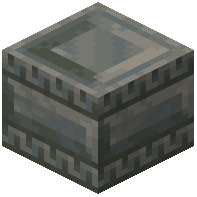 Chiseled Tuff Bricks
Re-Cutting Polished Tuff and Tuff Bricks
If you have already converted your raw stone into intermediate blocks for a build and have leftovers, you do not need to mine fresh Tuff. You can feed those processed blocks right back into the Stonecutter to reshape them:
- Place Polished Tuff in the Stonecutter to make Polished Tuff Slab, Polished Tuff Stairs, Polished Tuff Wall, Tuff Bricks, Tuff Brick Slab, Tuff Brick Stairs, Tuff Brick Wall, or Chiseled Tuff Bricks.
- Place Tuff Bricks in the Stonecutter to make Tuff Brick Slab, Tuff Brick Stairs, Tuff Brick Wall, or Chiseled Tuff Bricks.
Note that Chiseled Tuff and basic raw Tuff stairs, slabs, and walls can only be cut directly from raw Tuff, so hold onto some uncut stone before processing your entire supply.