

 DownloadMacaw's Furniture
Get the files on 9Minecraft
Lay Out Your Counters
Start with 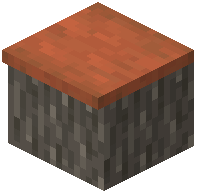 Acacia Counter blocks. Place them in a line along your kitchen wall. For a taller surface, use
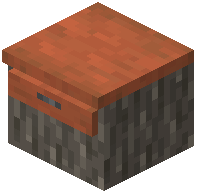 Acacia Drawer Counter or
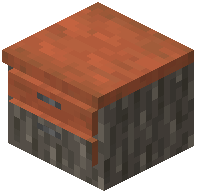 Acacia Double Drawer Counter — these combine counter space with storage.
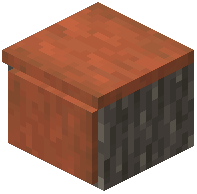 Acacia Cupboard Counter adds a cupboard section beneath the counter top.
Add Cabinets
Place 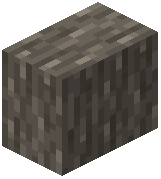 Acacia Kitchen Cabinet blocks against the wall above or beside your counters. For more storage, craft
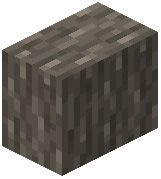 Acacia Double Kitchen Cabinet. If you want visible contents, use
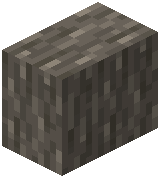 Acacia Glass Kitchen Cabinet. Each cabinet is a separate crafting_shaped recipe using Acacia Planks.
Install the Sink
Craft an 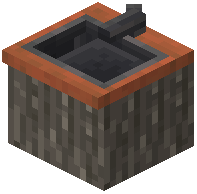 Acacia Kitchen Sink and place it in the counter line. It fits alongside Acacia Counter and Acacia Drawer Counter blocks.
Finish the Room
Add an  Acacia Cupboard Bookshelf for cookbook storage, or an
 Acacia Lower Bookshelf Drawer for low shelving. Use
 Acacia Drawer or
 Acacia Large Drawer for loose items. Swap Acacia for Birch or Cherry planks in every recipe to build the same kitchen in a different wood. Keep your plank type consistent so the room matches.