

From 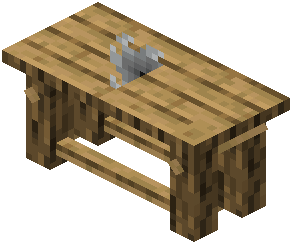 Workbench to Finished Display
Every piece in this mod is crafted at its own Workbench block, not the regular crafting table. Build and place the workbench first.
1. Craft and place the Workbench. It is the central station for every stand, rack, holder and cloche.
2. Choose a display in the workbench interface. Pick the stand, rack or glass cloche you want and craft it there.
3. Place the display. Floor pieces such as cloches and katana stands go on the ground or a tabletop. Wall holders and racks mount against a wall.
4. Insert an item. Hold the item you want to show and right-click the display.
5. Fine-tune it. Use the mod's manipulation tools to adjust the item's scale, rotation and position. The item list includes a  Hammer and a
 Magnifying Glass among the mod's tools.
To show a custom name, place a named item in a wall holder. Its name appears on the plaque at the front.