

 DownloadCreate Fly
Get the files on 9Minecraft
Open the  Creative Motor Menu
Place a Creative Motor block and right-click it to open its configuration menu. This menu controls the rotational speed—the power output that drives all connected mechanical components.
Understand Speed Requirements
Different machines need different speeds. A 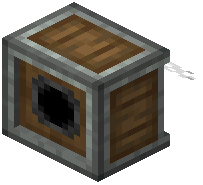 Mechanical Saw requires steady, moderate rotation to cut efficiently. Faster speeds don't always mean better results—some machines will malfunction or waste power if over-spun. Check the Ponder tutorial for your specific machine to see its ideal speed range.
Set and Test
Adjust the speed slider and watch your connected machines respond. If a saw is cutting too slowly, increase speed. If a machine is shaking or not processing items, try lowering speed. You can change the setting at any time without breaking the machine.
Tip: Use multiple motors at different speeds for different machine sections—fast saws in one area, slower processors in another.