
How to Set Up Chain, Belt, and Rope Drives with Flanged Cogwheels
Standard cogwheels only mesh directly next to each other, but you can transfer rotational energy across wider gaps in your workshop using flanged cogwheels and flexible connectors.
Placing and Linking Flanged Cogwheels
1. Choose between standard flanged cogwheels and large flanged cogwheels depending on the layout and gear ratio your setup requires.
2. Before placing your blocks, open your inventory, hover over the 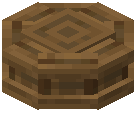 flanged cogwheel item, and hold the W key to watch the built-in Ponder tutorial. This visual guide shows exact alignment rules in game.
3. Place the flanged cogwheels onto the axles or shafts across the gap where you want to send kinetic power.
4. Take chains, belts, or ropes in your hand and link the two placed flanged cogwheels together. The flanged edges guide the belt or rope drive and allow kinetic rotation to pass cleanly between the separated axles.
Encasing and Expanding Kinetic Drives
- Encased Options: To clean up exposed gearing or protect your lines, apply casings directly to your flanged cogwheels. You can create encased flanged cogwheels using andesite, brass, industrial iron, or weathered iron covers.
- Extra Kinetic Utility: Alongside your chain drives, you can attach a
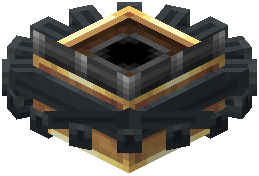 Flywheel Bearing to store rotational energy as angular mass, or set up a
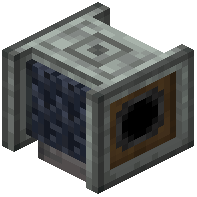 Chain Pulley to lower a
 chain rope equipped with a magnetic attachment at the bottom.