

 DownloadCobblemon Modular Poke Balls
Get the files on 9Minecraft
Use the Workbench Display Slot
The 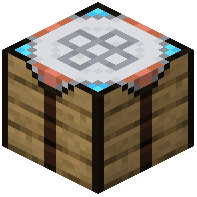 Modular Ball Workbench includes a center core slot that serves dual purposes: it sets your catch rate tier and displays a completed ball. Once you've finished crafting a custom ball, you can place it directly into this slot to show it off while keeping your workbench accessible.
Replace Individual Parts
To modify an existing ball design without starting over, place your finished ball back into the workbench's core slot. Then swap out individual apricorns in the lid, rim, button, or base slots. The workbench accepts any completed ball, so you can experiment with different color combinations on the same catch-rate tier.
Preserve Your Work
When you're done, remove the ball from the core slot and take it as an item. Your custom colors are permanently saved to that ball. If you mine the workbench, all stored apricorns and the displayed ball drop safely, so you won't lose your materials or progress.