
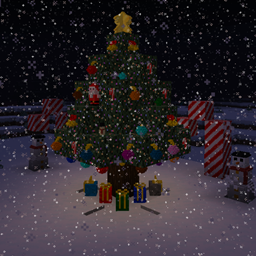
Decorating your base with festive lighting is straightforward using the mod's dedicated light string mechanics. You can run custom illumination along your ceilings and walls to brighten your builds.
Hanging the Wire
To begin setting up light strings, obtain the Wire block. Place the Wire directly onto any wall or ceiling surface where you want your lights to hang. You can place multiple Wire blocks in a row to create extended paths around room perimeters, eaves, or across ceilings.
Attaching and Coloring Light Bulbs
Once your Wire is anchored in place, you can attach lights directly to it:
1. Hold a light bulb in your hand.
2. Right-click the placed Wire block to insert the bulb onto the line.
3. Right-click the attached light bulb again to cycle through and change its display color.
In addition to custom wire strings, you can complement your holiday illumination using special tree leaves that have lights, colored redstone lamps, and shining Tree Toppers placed on top of your Christmas trees.