
How to Transform Using an Infuser and Stasis Chamber
While hostile creatures in the world can forcefully change your character, you can safely choose and apply a specific latex form using scientific laboratory equipment. Doing this manually requires gathering medical supplies and powering up a 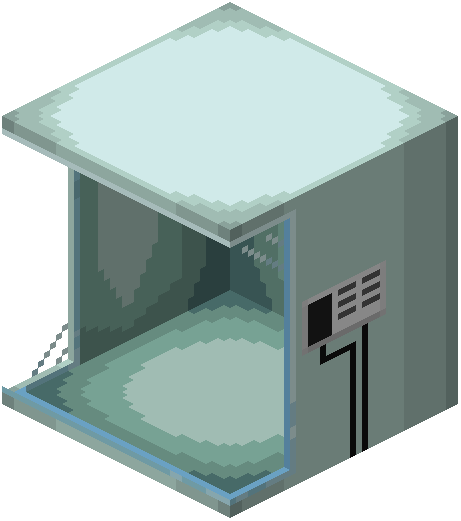 stasis chamber.
Preparing the Formula
Before using the chamber, you must create and purify your chosen transformation  syringe:
1. Locate an abandoned research facility or craft your own  Infuser block.
2. Collect a  Latex Base item and a
 Blood Syringe.
3. Hold the Blood Syringe and use it on yourself to draw a blood sample.
4. Open the Infuser and place your filled syringe inside along with the ingredients for your chosen transfur formula.
5. Take the crafted syringe and purify it so it is ready for the chamber.
Running the Stasis Chamber
Once your purified syringe is ready, locate a Stasis Chamber to complete the process:
1. Insert the purified syringe into the Stasis Chamber.
2. Place a canister of oxygenated water into the chamber's tanks.
3. Step inside or interact with the chamber to open the chamber menu.
4. Navigate to the Programs list, select Transfur, and start the process to gain your new form's movement perks and physical traits.