
Changed Port Wiki › Guides › How to Control Transformations with Commands and Gamerules
How to Control Transformations with Commands and Gamerules
If you want to test out different latex creature abilities without setting up a 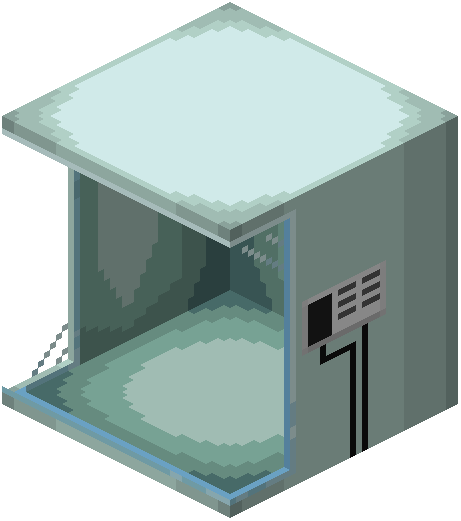 stasis chamber, or if you want to change how death and respawning affect your character's form, you can use the built-in commands and configuration settings.
Instant Transformation Commands
With cheats enabled in your world or operator permissions on a server, open the chat window to manually switch forms:
/transfuror/tf: Select and immediately change your character into a chosen latex mob form./untransfuror/untf: Clear your current transformation and return your character to normal human form.
Death and Respawn Configuration
By default, losing a fight or respawning can interrupt how your character handles transformations. You can adjust two specific settings in the configuration or gamerules to customize your survival experience:
changed:keepConscious: Enable this setting to allow your character to safely transform in dangerous situations that would otherwise result in a normal player death.changed:keepForm: Enable this setting to prevent your character from losing their transformed state after dying and respawning, allowing you to keep your latex form permanently.