

 DownloadAutowork
Get the files on 9Minecraft
Basic Sorting with Distributors
Use the 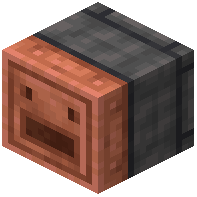 Distributor block to split incoming items evenly across multiple storage chests. Place the Distributor with its input facing your item source (
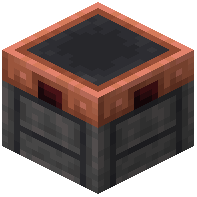 Chute,
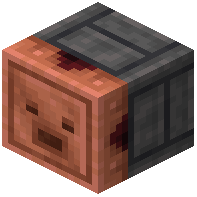 Extractor, or
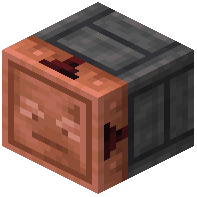 Breeze Collector) and align output faces toward separate chests. Items will cycle through each connected chest in turn.
Multi-Stage Sorting
For more complex sorting, chain multiple Distributors together. Feed one Distributor's output into a second Distributor to create sub-categories. Combine this with Chutes and filters to separate specific item types before they reach final storage.
Using Filters
If your mod version includes filtered Chutes, place them between your item source and Distributor to pre-sort valuable or stackable items into dedicated chests before general items are distributed. This keeps your storage organized without needing complex redstone logic.
Tip: Test your layout with a small number of items first to ensure items flow in the order you expect.