

 DownloadApothic Enchanting
Get the files on 9Minecraft
Place the Table and Shelves Correctly
Start by placing the 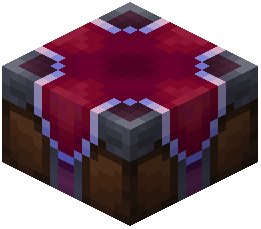 Apothic Enchanting Table. Around it, place your specialized bookshelves in the standard enchanting layout: a ring of shelves two blocks away from the table, with a one-block gap between the table and the shelf ring, and a ceiling of shelves above if you want maximum stats. The Apothic table reads nearby shelves differently than vanilla — each shelf type contributes different enchantment stats (Eterna, Quanta, Arcana) rather than just raw levels.
Understand the Three Stats
- Eterna raises the maximum enchantment level you can roll.
- Quanta increases the chance of getting higher-tier enchantments and bonus enchantments.
- Arcana affects how many enchantments can appear on a single item.
Mix shelf types to balance these. For example, Deepshelves lean toward Eterna, while Hellshelves push Quanta. Check each shelf's tooltip in-game to see its exact contributions before committing to a layout.
Test and Adjust
Place an item on the table and preview the enchantment options. If the levels are too low, swap in higher-tier shelves. If you're not seeing enough enchantments per item, add Arcana-focused shelves. Rebuild the ring as needed — the table recalculates instantly.