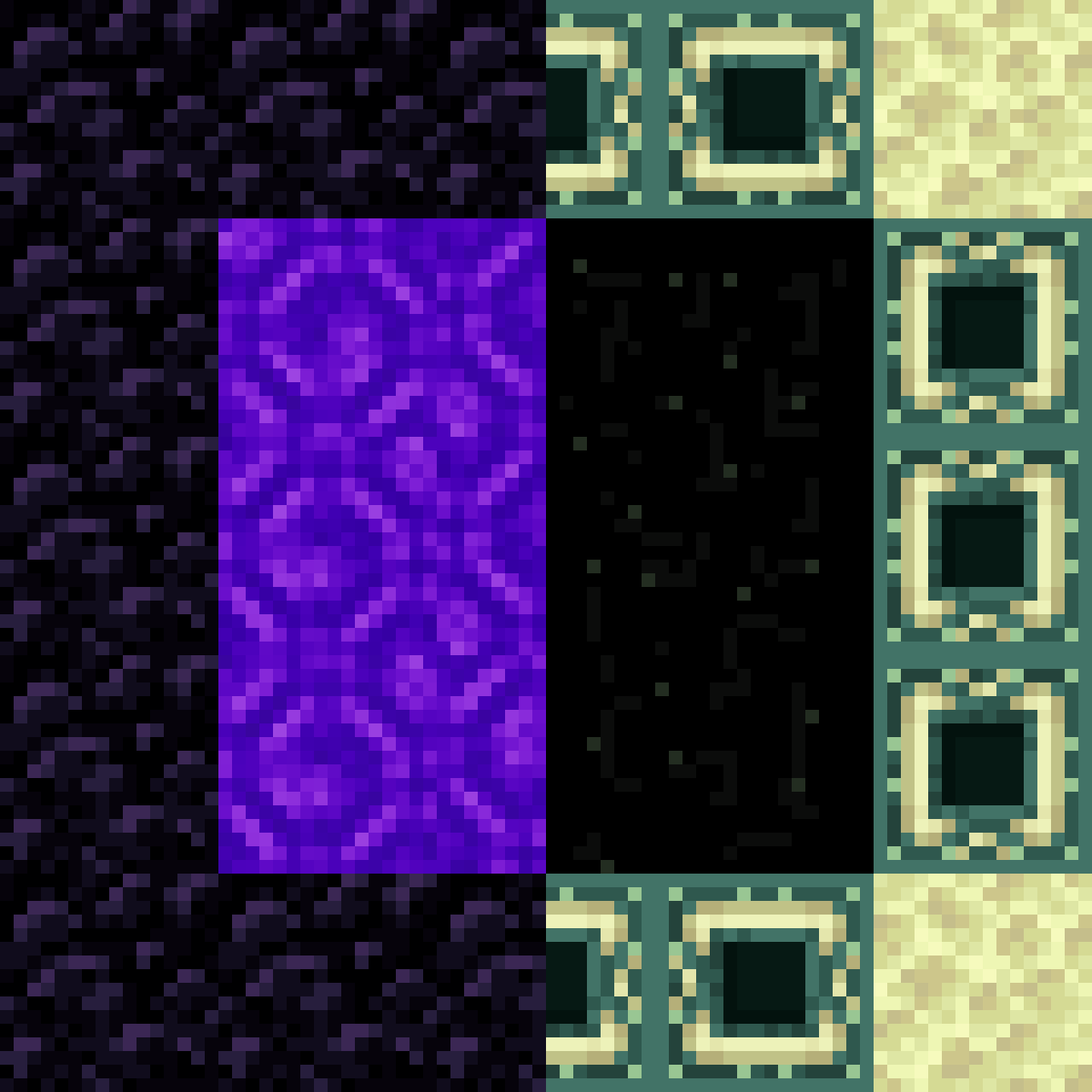
DownloadShapeless Portals Data Pack
Get the files on 9Minecraft
Gather Materials
Collect Obsidian blocks (or Crying Obsidian if you prefer) and either a Flint and Steel or Fire Charge. You'll also need building blocks to outline your portal shape.
Design Your Portal Frame
Decide what shape you want—circle, triangle, star, or any other design. Use your building blocks to mark out the frame on the ground or against a wall. The frame doesn't need to be solid; it just defines where your portal will appear.
Place Your Obsidian
Replace your temporary blocks with Obsidian (or Crying Obsidian) to form your custom shape. Unlike vanilla portals, you have complete freedom—the blocks don't need to be rectangular or follow any specific pattern.
Activate the Portal
Use your Flint and Steel or Fire Charge on any Obsidian block in your frame. The portal will ignite, filling your entire custom shape with the purple portal effect. Step through to enter the Nether!