
Convert Experience into Liquid XP and Manage It
Extract Player Levels
Place an 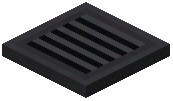 XP Drain block near your base and connect it to your
 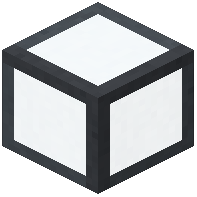 Liquid Tank network via Liquid Pipes. Right-click the drain to deposit your player experience levels directly into tanks as Liquid XP. This converts your XP into a storable, transferable resource.
Store and Distribute
Liquid XP flows through your pipe network just like water or lava. Connect it to Mending Stations to repair gear, or to Butcher Beds for meat production. Multiple tanks merge their capacities, so build a large storage pool if you plan extensive repairs or processing.
Bottle XP On Demand
The XP Drain also lets you bottle Liquid XP back into experience bottles for trading or backup storage. This is useful when you need portable XP or want to transfer it between bases.
Combine XP Drains with Butcher Beds—they produce Liquid XP as a byproduct of meat generation, creating a renewable experience source for continuous tool repair and enchanting.