
Manage Multiple Clone Bodies and Inventories
Understand Shell Independence
Each clone shell you create is completely independent. They maintain separate inventories, experience levels, and even game modes. This means items in one shell won't appear in another.
Organize Your Shells by Purpose
Design each shell for specific tasks: one for mining and resource gathering, another for combat, and a third for building or exploration. Stock each shell's inventory with appropriate tools and supplies before transferring into it.
Switch Between Bodies Efficiently
Right-click any powered 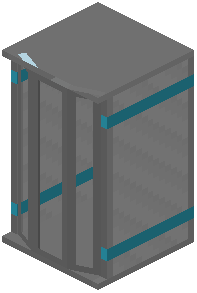 Shell Forge to open the radial menu and select which body you want to inhabit. Your previous body remains in place with its inventory untouched.
Track Your Shells
Keep notes on which shells are located where and what supplies each contains. Consider building Shell Forges near your bases and labeling them so you remember which body is stored in each machine. This prevents confusion when managing multiple clones across different dimensions.