
Gather Materials and Complete Construction
Understanding Material Requirements
Each  blueprint design requires specific building blocks displayed in the
 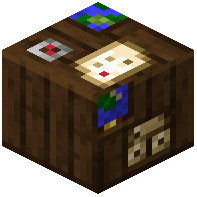 Blueprint Station interface. The station shows material slots with progress indicators. You can substitute blocks within the same family—use any wood species for wooden components, or swap between stone types. This flexibility lets you match your building to your local resources and aesthetic preferences.
Filling the Station
Open the Blueprint Station and place your gathered materials into the corresponding slots. Watch the indicators turn green as you meet each requirement. You don't need to provide items for finished furniture like tables, workbenches, and decorative blocks—these spawn automatically.
Triggering the Build
Once all material indicators show green, click the Build button inside the station interface. Your structure will assemble from the ground up, complete with all custom furniture and decorative elements. The station can then be broken and moved, allowing you to relocate your project or build additional structures elsewhere.