
Grit And Gristle Wiki › Guides › Process Materials with the Millstone
Process Materials with the Millstone
Understanding the 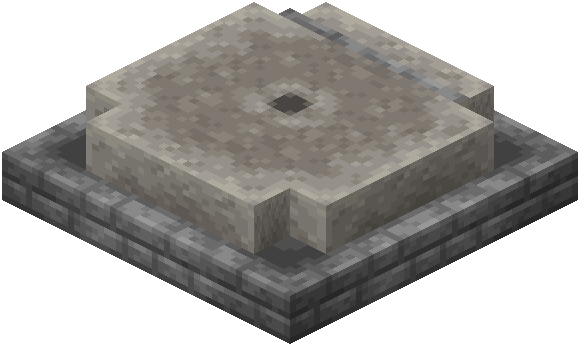 Millstone
The Millstone is an early-game processing block designed to work alongside tech setups or as a standalone grinding station. It's simpler than the 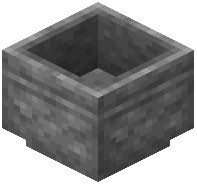 Mortar but effective for basic material reduction.
Using the Millstone
1. Place the Millstone: Set it down on solid ground in your base or near your crafting area.
2. Add your material: Put crushable items (grains, minerals, or plants) on top of the block.
3. Activate processing: Interact with the Millstone using your hand or a tool. The block will begin grinding automatically or require manual interaction depending on the recipe.
4. Collect results: Once processing completes, gather your ground material.
Tips
- The Millstone is faster than manual Mortar grinding but produces less refined results.
- Use it for bulk processing of common materials like grains or basic ores.
- The Millstone pairs well with machine setups—process materials here while machines handle other tasks.
- Check JEI to see which items the Millstone can process and what outputs to expect.
- It requires no fuel or heat source, making it a low-maintenance early-game option.