
Create a Custom Gravity Zone with Gravity Core
Place and Configure a 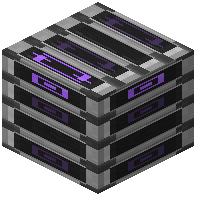 Gravity Core Block
The Gravity Core block creates a localized area where gravity behaves differently. This is useful for puzzle rooms, parkour challenges, or themed builds.
Step 1: Craft or obtain a Gravity Core block and place it in your world.
Step 2: Use commands to set the gravity direction and strength for that zone. The Core will affect players and mobs within its range:
`
/gravity set_base_direction <direction>
/gravity set_base_strength <strength>
`
Adjust Gravity Strength
Gravity strength controls how fast you fall and how high you jump. Use:
`
/gravity set_base_strength <value>
`
Lower values create a floating, weightless effect. Higher values increase the pull. This pairs well with directional changes to create unique movement challenges.
Lock Your Orientation
Use the Gravity Anchor to lock your gravitational state in place, preventing accidental changes when moving between zones.