
Set Up Your First Contract Board and Accept Orders
Finding or Crafting a 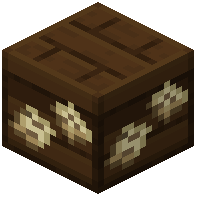 Contract Board
 Contract Boards spawn naturally in villages, typically placed near gathering areas. If you can't find one, you can craft a wooden Contract Board yourself using materials from Farmer's Delight.
Accepting Your First Contract
1. Locate a Contract Board in a village or place your crafted one on the ground
2. Right-click the board to open the contract menu
3. You'll see up to 18 available food orders displayed as tickets
4. Each ticket shows the customer type (Bakery, Tavern, Farmers' Market, etc.), the exact food items needed, and the reward amount
5. Click on a contract that interests you to accept it
6. The ticket will be added to your inventory
Understanding Contract Difficulty
Contracts are color-coded by rarity. Common orders ask for simple items like bread or crops. Uncommon and Rare orders require cooked meals, often using cutting boards and cooking pots. Special orders demand complex multi-step recipes and offer the best rewards. Start with Common contracts to build reputation, then work toward harder orders as you progress.
New contracts refresh each in-game day, so check back regularly for fresh opportunities.