
Send a Letter or Package to Another Player
Preparing Your Mail
Letters are quick messages, while packages let you send items. Both need proper addressing before a pigeon will deliver them.
Steps:
1. Write a  letter or create a
  package with the items you want to send
2. Seal your mail so the contents cannot be altered during delivery
3. Attach an  address tag to your sealed mail
4. Use the address tag menu to select the recipient's 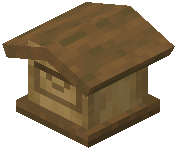 mailbox address
5. Place your addressed mail and some seeds into your mailbox
6.
What Happens Next
The pigeon will fly high above the clouds to reach the recipient's mailbox quickly, even across very far distances. The recipient will see the mail appear in their mailbox hatch. They can then open it and read your letter or collect the items from your package.
If you're unsure of the exact address, the address tag menu shows available addresses on the network, making it easy to pick the right destination.