

Contents (3)
Prepare Your Containers and Jaws
Arrange chests or other storage containers in a line or grid pattern. Place a 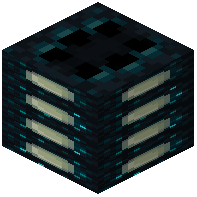 Tuned Sculk Jaw adjacent to each container—these will serve as your sorting nodes. Ensure each jaw faces the container it should feed into or pull from.
Configure Filters and Connections
Sneak and right-click each Tuned Sculk Jaw with the item type you want it to handle. This sets the item filter for that jaw. Connect all jaws together using 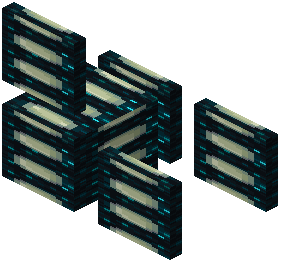 Sculk Transporter pipes, creating a continuous network. The pipes act as highways for items to travel between jaws.
Set Input and Output Modes
Apply a redstone signal to a jaw to toggle it between Input Mode (pulling items from containers) and Output Mode (pushing items into containers). Use redstone repeaters or comparators to control which jaws are active at any time. Start with one source chest feeding items onto the network, then let the filtered jaws sort them into their designated containers.
Test the system by placing mixed items into your source chest and watching them distribute correctly.