
Maximize Visual Quality for Screenshots and Building
Preparing Your World for Best Results
Default HD 256x shines when you're building or taking screenshots. The crisp 256x textures and PBR materials look their best under optimal conditions.
Settings for Maximum Quality
1. Set time to noon using /time set 6000 for bright, clear lighting
2. Enable maximum render distance (24+ chunks if your system allows)
3. Turn on fancy graphics and smooth lighting in Video Settings
4. Disable fog if your launcher supports it—this reveals distant terrain clearly
5. Use clear weather: Type /weather clear to remove rain and clouds
6. Increase brightness slightly to showcase block details without washing out colors
Building Recommendations
Use blocks with strong visual character: ores, 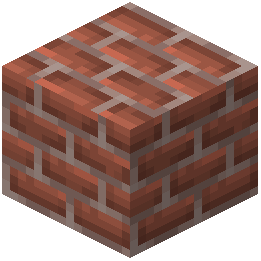 bricks, wood variants, and polished
  stone show off the pack's high-resolution textures best. Avoid large flat surfaces of single blocks—mix textures to demonstrate the pack's detail.
Screenshot Tips
Press F2 to capture screenshots. Position your camera to catch sunlight hitting block surfaces at angles—this highlights PBR materials and soft shading. Avoid looking directly at the sun, which can cause glare. Frame shots with varied block types to showcase the pack's texture diversity.