
Enable PBR Materials for Realistic Block Surfaces
What PBR Does
Physically Based Rendering (PBR) materials in Default HD 256x add realistic surface properties to blocks. This means  stone will reflect light differently than metal, wood will show natural grain depth, and water will shimmer authentically. PBR isn't just visual—it changes how blocks respond to lighting conditions throughout the day and night.
How to Activate PBR
1. Open your resource pack settings in the Minecraft launcher
2. Locate Default HD 256x in your active packs list
3. Ensure you're using a compatible render engine (most modern versions support PBR automatically)
4. Launch the game and load a world
5. Enter a bright area during daytime to see PBR highlights on ore blocks, metal surfaces, and polished stone
Troubleshooting
If surfaces look flat or textures appear washed out, your graphics driver may need updating. PBR works best with modern GPU drivers. If performance drops significantly, PBR is rendering but your system is working harder—consider lowering other graphics settings like render distance or particle effects to compensate.
PBR materials are most visible on ores, deepslate variants, and decorative blocks like 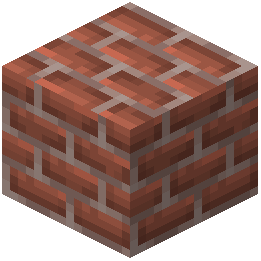 bricks and wood in direct sunlight.