
Getting Started with Fluid Packaging
Setting Up Fluid Transport
Createfluidlogistic adds a complete system for moving liquids through your factory using Create's logistics network. Start by using faucets to extract liquids from your machines into tanks for storage.
To transport liquids via belts, use the packager machine to box them up. Configure a package address using your Clipboard, then right-click the packager with it to lock in the destination. Use the Redstone Requester or Factory Gauge to request specific liquids at any location—hold Alt and right-click a liquid-holding item to submit the request.
For direct liquid movement, mechanical pumps push fluids through pipes, while the 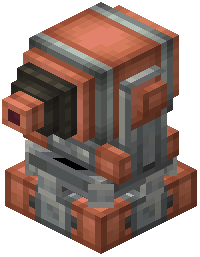 mechanical fluid gun shoots liquids at targets. Multi-fluid tanks store large quantities vertically or horizontally, and fluid hatches or access ports connect them easily to your setup.