
Create Custom Machine Recipes with KubeJS
Accessing the Recipe File
Open your KubeJS configuration folder and locate the server scripts directory. Create a new .js file or edit an existing recipe file where you have access to the event.recipes object.
Writing a 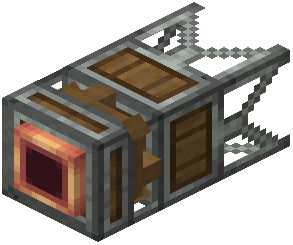 Sapper Recipe
Use the Sapper recipe format to extract custom liquids from specific blocks:
`
event.recipes.rubberworksSapping(Fluid.of("modname:liquid_name", amount), ["block:log_type", "block:leaf_type"])
`
Replace the fluid name, amount, and block types with your desired values. Multiple blocks can be listed in the array.
Writing a 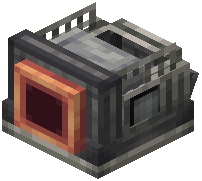 Compressor Recipe
Define what liquids compress into which items:
`
event.recipes.rubberworksCompressing(Item.of("modname:output_item", count), Fluid.of("modname:input_liquid", amount)).heated()
`
Add .heated() at the end if the recipe requires heat. Remove it for room-temperature compression.
Testing Your Recipes
Save the file and reload your world. Check the in-game machine menus to verify your custom recipes appear and function correctly.