
Set Up Your First Mining Rig
Prepare Your Mining Site
Locate an underground ore deposit using the  Deposit Scanner. Hold it in your hand and look around until both antennas blink together. Move toward the direction of the flashes—the blinking speed increases as you get closer. Once you've found a suitable spot, clear a flat area and place a
 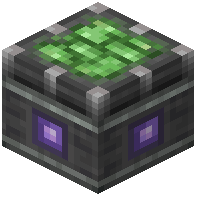 Miner Bearing on the ground.
Build and Power Your Rig
Place a 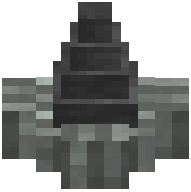 Mine Head adjacent to your Miner Bearing. The Mine Head can expand into a 3×3 digging layout when you place iron blocks next to it, increasing your mining footprint and output. Connect rotational power from your kinetic network (via shafts, gearboxes, or other Create components) to the Miner Bearing. The more rotational force you supply, the faster your rig will extract ore.
Extract and Transport Resources
Attach item extraction lines—such as chutes, belts, or pipes—to the output of your mining rig. Route collected ore directly into your processing factory or storage system. Check the Miner Bearing's tooltip to see live production rate numbers and confirm your setup is working efficiently.