
Expand a Mine Head into a 3×3 Grid
Understanding 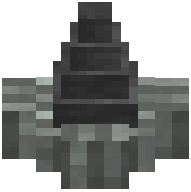 Mine Head Expansion
The Mine Head is the central digging block of your mining rig. By default, it mines a single block, but you can expand its footprint to cover a 3×3 area, significantly boosting ore extraction per rotation cycle.
Place Iron Blocks to Expand
Position iron blocks adjacent to your Mine Head in the directions you want it to expand. The Mine Head will recognize these iron blocks as expansion points and automatically extend its digging area. You can place iron blocks on multiple sides to create a full 3×3 grid pattern. The more sides you expand, the larger your mining footprint becomes.
Optimize Your Layout
Arrange your iron blocks symmetrically around the Mine Head for balanced mining. A fully expanded 3×3 setup will extract significantly more ore per cycle than a single-block head, but requires proportionally more rotational power. Adjust your kinetic network's speed and torque to handle the increased load without stalling.