
Use Redstone Magnets for Docking and Alignment
Understanding Magnet Polarity
Redstone Magnets attract or repel based on their polarity setting. Right-click a magnet to toggle between attraction and repulsion modes. Place magnets on both your vehicle and a docking station or target object. Set matching polarities to repel (keep distance) or opposite polarities to attract (pull together).
Set Up Automatic Docking
Install a 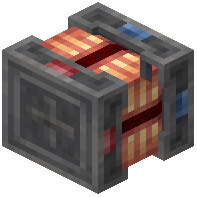 Redstone Magnet on the front of your vehicle and another on a stationary platform or structure. Configure them with opposite polarity so the vehicle is pulled toward the dock. The magnetic force provides smooth, automated alignment without manual steering.
Fine-Tune with Redstone Control
Connect redstone signals to magnets to enable or disable their effect dynamically. This lets you approach a target under 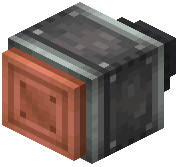 thruster power, then activate magnets for final precise docking. Combine multiple magnets around your vehicle for multi-directional stability during approach and contact.