
Track and Navigate to Lodestones with Compasses
Bind a Compass to a Lodestone
Place a Lodestone block at your destination. Craft or obtain a compass, then right-click it while holding it to bind it to a nearby Lodestone. The compass needle will now point toward that specific Lodestone, even across dimensions and large distances.
Install a 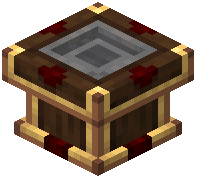 Lodestone Tracker
Place a Lodestone Tracker block on your vehicle and insert the bound compass into it. The tracker will continuously point toward the Lodestone's location. Use this as a navigation aid by mounting it where you can see it, or connect it to redstone logic for automated steering.
Automate Navigation Routes
Create multiple bound compasses for different destinations (bases, resource sites, waypoints). Swap compasses in the tracker to change your navigation target. Combine the tracker with Optical Sensors and Thrusters for semi-autonomous vehicles that navigate between waypoints while avoiding obstacles automatically.