
Set Up Obstacle Detection with Optical Sensors
Place and Configure Your Sensor
Mount an 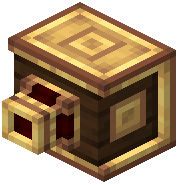 Optical Sensor on the front or sides of your vehicle, facing outward. Right-click the sensor to open its interface. Set the detection distance—this determines how far ahead the sensor scans for obstacles. Increase the range for high-speed vehicles; use shorter ranges for precise, slow navigation.
Filter Block Types
Optical Sensors can target specific blocks. In the configuration menu, select which block types trigger a detection signal. For example, filter for stone to detect terrain, or select specific ores to locate resources. Leave the filter empty to detect all solid blocks.
Connect to Thrusters or Logic
Run a redstone line from the sensor's output to your thrusters or a redstone comparator. When the sensor detects a matching block within range, it emits a redstone signal. Use this to automatically cut 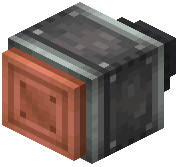 thruster power, reverse direction, or trigger an alarm. For compact builds, use an
  Inline Optical Sensor instead—it fits within a single block space.