
Create Networking Wiki › Guides › Setting Up Your First Shop
Setting Up Your First Shop
Setting Up Your First Shop
Place an 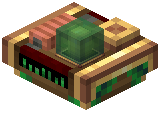 Economic Link next to a chest or Create Item Vault to register it as sellable storage. Equip the
 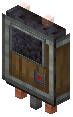 Network Connector tool and click the Economic Link first, then click an
 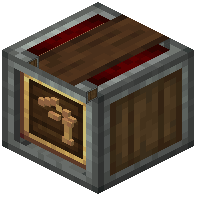 Economic Controller to connect them. Once linked, the Economic Controller becomes an active shop where you can set custom prices for items and organize them into categories.
Multiple storage links can connect to one Economic Controller, combining inventory into a single marketplace. Other players can then purchase items directly from your connected storage at prices you set. This creates a physical, automated store without requiring manual restocking.