
Set up your first remote order system between two bases
Create the manifest at your main base
Place a 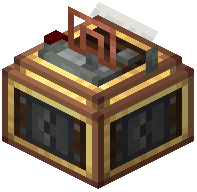 Stock Manifest Compiler adjacent to your main storage network (vault, chest array, or other inventory). Power it with a redstone signal—use a lever, button, or redstone line from your contraption. The compiler will scan all connected inventories and produce a
  Stock Manifest paper when powered.
Transport and read the manifest
Take the Stock Manifest to your remote base by hand, train, or any transport method. Place a 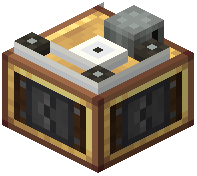 Stock Manifest Reader and insert the manifest into it. The reader now displays all items available at your main base.
Request items
Connect the Stock Manifest Reader to a 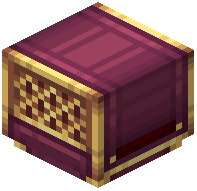 Filter Requester or use a Deployer to apply a materials checklist directly onto blank Item Request Tickets. Specify which items you need and how many. The reader will generate tickets matching your request.
Return tickets and receive goods
Transport the completed Item Request Tickets back to your main base via train or manual delivery. Insert them into the Stock Manifest Compiler—it will gather the requested items and prepare them for pickup. Set up a train route to collect the package and deliver it to your remote base.