
Set Up Automated Fluid Packaging for Factory Transport
Prepare Your Fluid Source
Place a 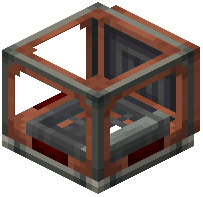 Fluid Packager block adjacent to your liquid container or pipe network. The packager will pull liquids from connected sources automatically when powered by a mechanical shaft or cogwheel from your Create system.
Configure the Packager Address
Use a Clipboard to assign a destination address to your packages. Right-click the Fluid Packager while holding the Clipboard to set the target location. This address will be printed on each  fluid package as it leaves the packager.
Route Packages on Belts
Place a conveyor belt below the Fluid Packager's output. Fluid packages will travel like regular items. Use Package Filters to sort packages by address at junctions, directing them toward their destinations.
Unpack at Destination
Place a Repackager or compatible unpacking block at the end of the belt line. Connect it to your destination tank or pipe system. The packager will extract the liquid and deposit it into the connected container.
Tip: Power your packager with adjustable mechanical power to control packaging speed and match your factory's throughput.