
Troubleshoot Glass That Still Shows Borders or Streaks
Verify Your Connector Mod is Active
Check your mod list in-game or in your launcher settings. Both your connector mod (Optifine or Continuity) and Clear 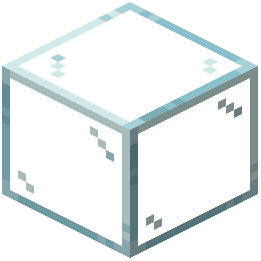 Glass Connected must show as enabled. If either is missing or disabled, the connected texture system won't activate.
Restart Your Game
Mods sometimes don't fully load on first launch. Close Minecraft completely and reopen it. This often resolves texture loading issues.
Check Block Placement
Ensure glass blocks are placed directly adjacent to each other with no gaps. Even a single block of air between glass will break the connection and show borders.
Verify You're Using Compatible Blocks
Clear Glass Connected updates standard glass blocks and panes. If you're using glass from another mod, it may not be included in the resource pack's texture definitions.
Try a Fresh Area
Place new glass blocks in a different location. Sometimes previously-placed blocks need to be replaced for the new textures to apply correctly after mod installation.