
Clean Glass Tinted Glass Resource Pack Wiki › Guides › Ensuring Compatibility With Other Mods and Packs
Ensuring Compatibility With Other Mods and Packs
Resource Pack Compatibility
The Clean 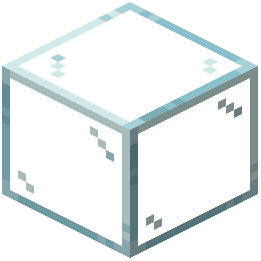 Glass &
 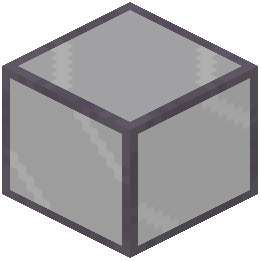 Tinted Glass Resource Pack is designed to work alongside other mods and texture packs without conflicts.
How to Use Alongside Other Packs
1. Load this resource pack in your resource pack list
2. Arrange pack priority: place this pack above other texture packs that modify glass
3. If conflicts occur, move this pack higher in the priority order
4. Test your game to ensure glass textures display correctly
5. Other packs' features remain unaffected
What Stays Compatible
- Mods that add new blocks or mechanics work normally
- Other texture packs for non-glass blocks function as intended
- Shader mods and performance packs don't conflict
- Building mods and decoration mods remain fully functional
Troubleshooting
If glass appears textured or shows lines:
- Check that this pack is enabled in your resource pack menu
- Verify it's positioned above conflicting packs in the list
- Reload your world or restart the game
- Ensure you're using compatible glass blocks (standard Minecraft glass variants)
The pack modifies only glass textures, so it won't interfere with gameplay mechanics, mod features, or other visual enhancements.