
Exploring New Block Textures After Updates
Finding Updated Blocks
When Minecraft receives new blocks or items, Classic Faithful gradually adds high-detail textures for them. After installing a pack update, explore your world to spot freshly textured blocks like cherry wood variants, new  stone types, or recently added decorative elements.
Identifying Work in Progress
Some blocks intentionally retain default textures while artists create detailed versions. You might see a mix of high-detail and standard textures in the same biome—this is expected during the pack's ongoing development. These blocks will receive custom art in future updates.
Showcasing New Details
Visit biomes that received recent updates to see the most polished textures. Cherry groves display vibrant, detailed foliage. Desert villages showcase sharp 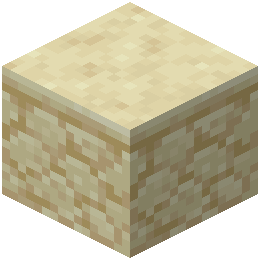 sandstone and hay bale textures. Mountain regions highlight intricate grass and stone variations.
Staying Current
Check for pack updates regularly to ensure you have the latest textures. New Minecraft versions often introduce blocks that need artistic attention, and updates roll out as artwork is completed.