
Set Up Your First Chunk Loader
Crafting and Placement
Craft a 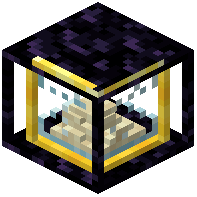 Chunky McChunkFace block using the mod's recipe, then place it in the chunk you want to keep loaded. The block will load only that single chunk by default.
Activation
Interact with the placed block to activate it. Once active, the chunk loader will begin working immediately. You'll know it's running when nearby chunks stay loaded even when you move away.
Checking Your Work
Hold a Chunk Loader item in your hand to see nearby chunk loaders highlighted with an outline. Alternatively, use the radius renderer keybind to toggle a translucent box showing exactly which chunks are affected by your loader. This visual feedback helps you confirm the block is working as intended.
Automatic Shutdown
Remember that your chunk loader will automatically disable if all players who have interacted with it stay offline for the configured period (default: 7 in-game days). Plan accordingly if you're taking a long break from the server.