

Using the 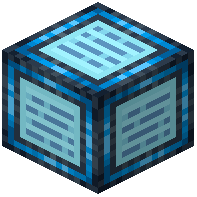 Network Controller
Once your Dimensional Network is active, you can grant other players access to your storage system. This is managed through the Network Controller block.
Setting Up Permissions
1. Place or locate your Network Controller block
2. Open the Network Controller menu
3. Access the player list section
4. Add the players you want to share with by entering their usernames
5. Adjust individual manager permissions for each player—decide what actions they can perform
Permission Options
You can control whether players can:
- View items in your network
- Withdraw items
- Deposit items
- Manage the network settings
Each player can be given different permission levels. Once configured, those players can press O to access the shared network from anywhere in your world, just like you can.