
How to Enable the Wanderer Addon in Your World
Because the Wanderer Addon introduces both a new creature and custom gear, you must activate both its visual assets and its gameplay behaviors in your world settings before playing. It requires no extra setup beyond enabling the packs.
Activating the Packs
1. Open Minecraft and click the edit icon next to an existing world, or start creating a new world.
2. Scroll down the left-hand menu to the Add-Ons section.
3. Select Resource Packs, open the My Packs tab, locate the Wanderer Addon, and click Activate. This loads the custom models, glowing blue magic particles, and vertical light pillar visual effects.
4. Select Behavior Packs on the left menu, open My Packs, and activate the Wanderer Addon there as well. This enables the Scara mob and the custom combat items.
5. Launch your world.
Verifying the Setup
To confirm the addon is running properly, switch your game mode to Creative and open the inventory search tab. Search for the addon's specific items—Sla Porra, 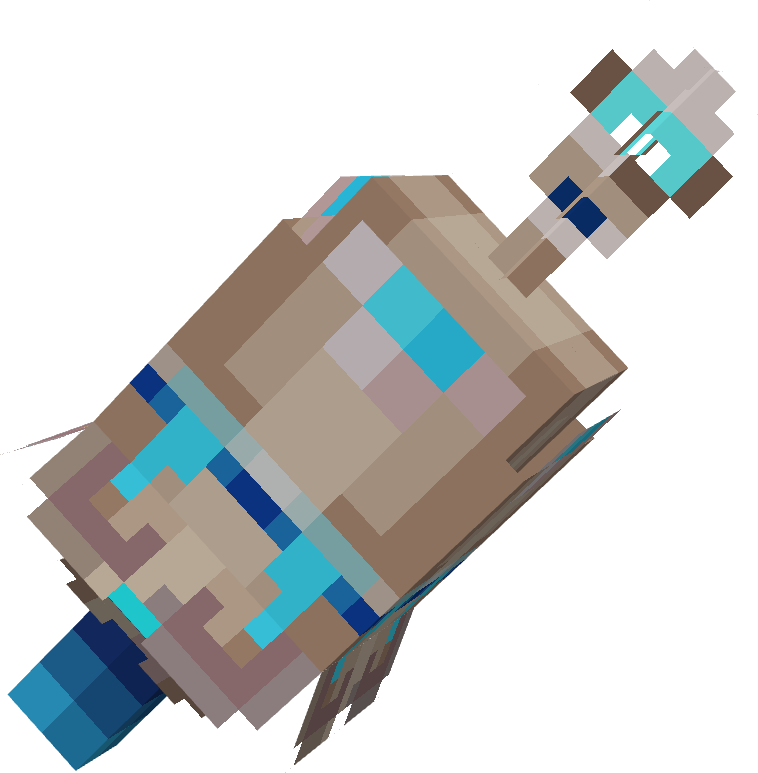 Assinatura,
 Scaracircle, or
 Scarahat—or look in the spawn egg category for the Scara mob. If these entries appear with their custom textures, the addon is properly slotted into your game and ready for survival play.