
How to Use the Mesh Filter to Get Diamonds and Iron
What the Mesh Filter Does
The Mesh Filter is a functional block that lets you "filter" items by placing specific reagents inside it. Instead of relying only on water and mesh like the 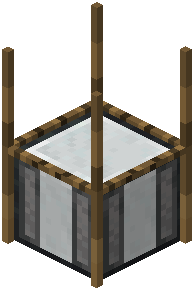 strainer, the filter uses the combination of items you insert to determine the output. A commonly cited example is combining lava, obsidian, and gravel to produce diamonds and a small amount of iron ingots.
Step-by-Step
1. Place the Mesh Filter block and right-click to open its interface.
2. Insert the required reagents into the input slots. For the diamond example, that means lava, obsidian, and gravel.
3. Confirm the recipe is valid — the interface should indicate a matching recipe. If it doesn't, your combination isn't  configured.
4. The time is adjustable in config, so it may be fast or slow depending on your pack.
5. Collect the outputs from the output slots.
Important Notes
- All recipes are customizable. If a combination doesn't work on your server or modpack, the recipe may have been changed or removed.
- Up to nine outputs are supported per recipe, so some combinations yield multiple item types.
- The blocks required above the mesh and the input
 blocks are configurable, so placement rules can vary between packs.