
How to Customize Strainer and Mesh Filter Recipes in the Config
Where Recipes Live
Both the water 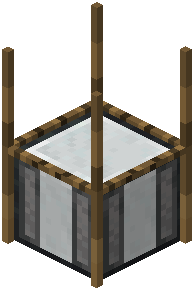 strainer and the Mesh Filter use configurable recipes. This means the items you get, the reagents required, the number of outputs, and the time each recipe takes are all defined in the mod's config files rather than being hardcoded. If you're running a modpack or a server, the pack author or admin controls these.
What You Can Change
- Outputs: Up to nine output slots per recipe, so you can define multi-item results.
- Time: The duration for a recipe to complete is adjustable, letting you make recipes fast and easy or slow and grindy.
- Blocks above the mesh and input
 blocks: The mod lets you configure which blocks are required above the mesh and what counts as valid input blocks. This affects how you build your setup.
 - Reagents: For the Mesh Filter, you define which combination of inserted items triggers which output.
Editing Safely
1. Locate the mod's config files in your instance's config folder.
2. Back them up before editing.
3. Change only the values you understand — recipe entries usually follow a structured format listing inputs, outputs, and time.
4. Restart the game or reload so changes take effect.
5. Test in a creative world first so you don't break a survival save.
If a recipe isn't working, the most common cause is a config that was edited or overridden by a modpack.