
How to Add or Change Strainer Recipes in the Config
Where Recipes Live
All 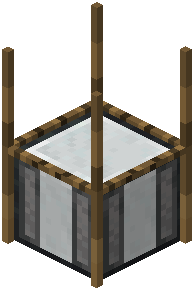 strainer and Mesh Filter recipes in this mod are data-driven and customizable, which means you are not locked into the defaults. Recipes are defined in configuration or data files rather than hardcoded, so you can add new combinations, change outputs, or remove ones you don't want. Locate the mod's config or data folder in your instance directory — the exact path depends on how your pack is organized.
Editing a Recipe
Each recipe entry specifies the input items placed in the strainer's slots and the outputs it produces. The mod supports up to nine outputs per recipe, so you can make a single input combination yield a whole set of results. When editing, keep the input list and output list consistent: an input that appears in the slots must match a defined recipe, or the strainer produces nothing.
You can also adjust how long a recipe takes to complete. The completion time is configurable, so a recipe can be quick or slow depending on your balance goals. Additionally, the mod lets you configure which blocks are allowed above the mesh and what input blocks are accepted. After editing, reload the game or the relevant data so changes take effect. Test each new recipe in a creative test world before rolling it out on a live server, since a typo in an item ID will silently break the recipe.