
Basic Storage Wiki › Guides › Set Up Your First Crate Storage Network
Set Up Your First Crate Storage Network
Crafting and Placing Your First 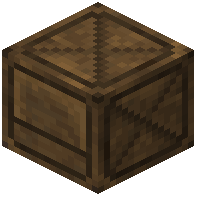 Crate
Crate
Start by gathering planks and sticks to craft a Crate—the mod's basic storage block. Place it anywhere in your world. Each Crate holds up to 1 billion items of a single type, so you can dedicate one to diamonds, another to cobblestone, and so on.
Adding Items to Your Crate
Stand in front of your Crate with items in your inventory:
- Right Click to insert 1 item
- Shift + Right Click to insert all matching items from your inventory at once
The Crate displays the stored item type and quantity directly on the block—no GUI needed. This keeps your gameplay immersive and performance-friendly.
Expanding with Multiple Crates
Place additional Crates nearby for different item types. Each works independently, but you can connect them later with a 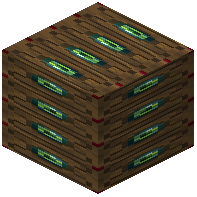 Crate Station to form a unified storage network. Start simple: one Crate per resource type is a solid foundation for any base.