
Basic Storage Wiki › Guides › Retrieve Items Efficiently from Crates
Retrieve Items Efficiently from Crates
Taking Out Single Items or Stacks
When you need items from a 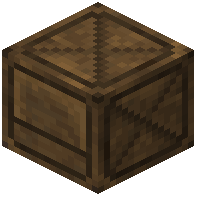 Crate:
- Left Click to take out 1 item
- Shift + Left Click to take out a full stack (64 items by default)
This manual interaction keeps you in control and works smoothly during gameplay without opening any menus.
Bulk Extraction with Hoppers
For automated retrieval, place a Hopper below or beside a Crate. Hoppers pull items directly from Crates into chests, furnaces, or other containers. This is ideal for feeding items into crafting systems or sorting operations.
Using Hopper Minecarts
Hopper Minecarts also work with Crates, letting you transport stored items across your base on rails. This creates a mobile extraction system perfect for large-scale operations or moving resources between distant storage areas.